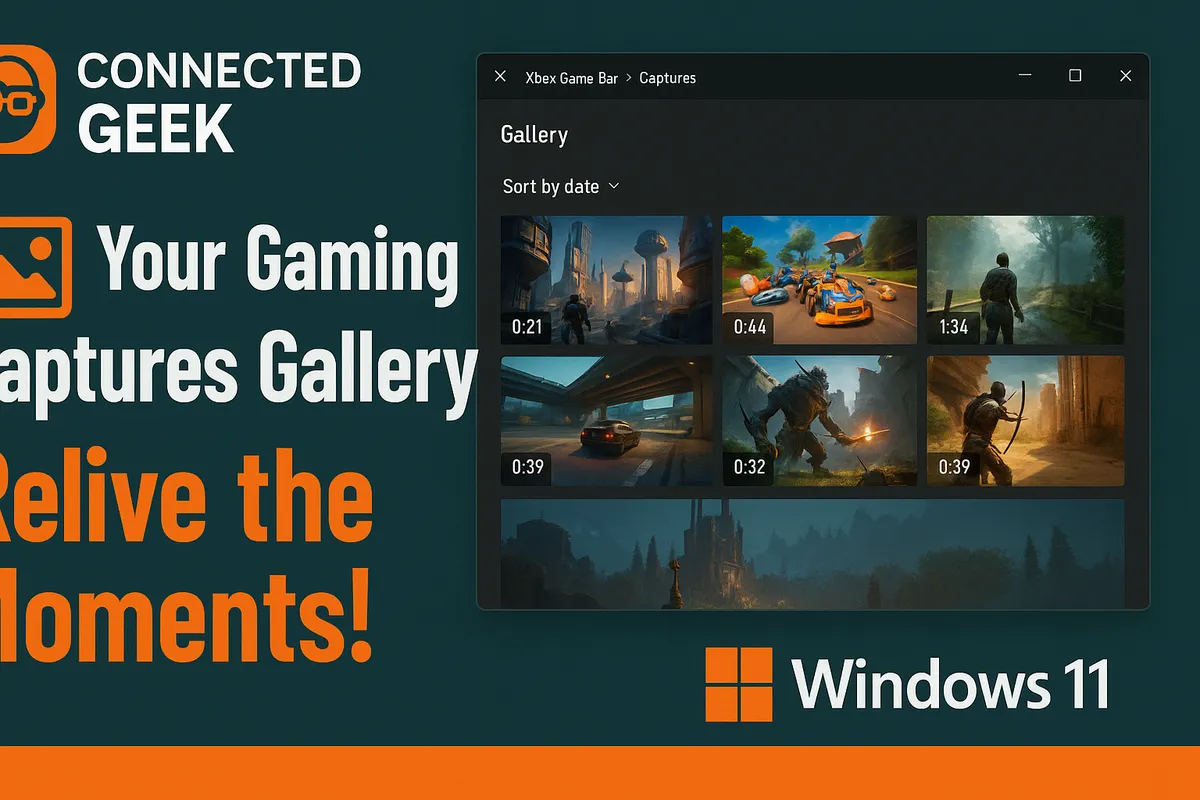
Windows 11 Gaming Captures: How to Organise and Share Your Clips
Published on: 18/05/2026
All your Game Bar recordings and screenshots are saved to Videos → Captures — learn how to find, organise, rename and share your gaming clips from Windows 11.
gaming clipsWindows 11content creationvideo sharingPC gaming
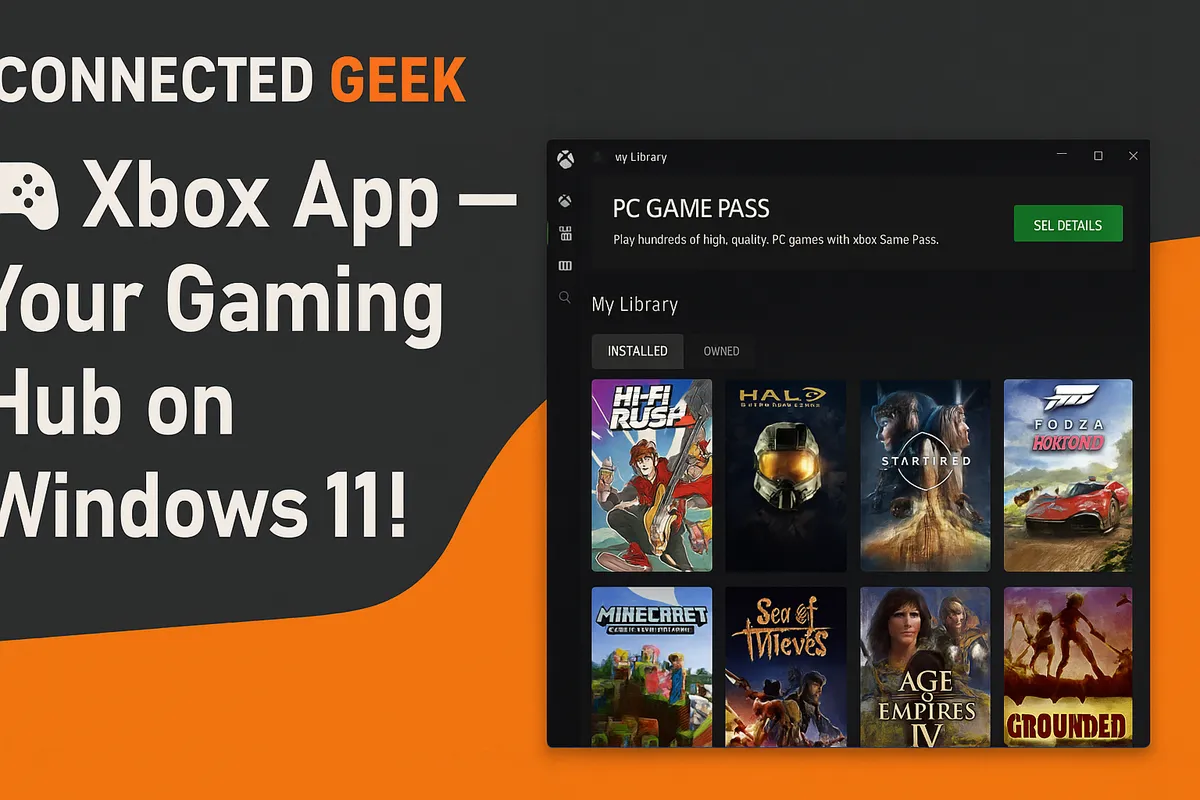
The Xbox App in Windows 11: Your Gaming Hub Without a Console
Published on: 18/05/2026
The Xbox app is built into Windows 11 — access your game library, achievements, friends list, Game Pass catalogue and PC gaming news all in one place.
Xbox AppWindows 11PC gaminggaming hubXbox on PCWindows gamingXbox features
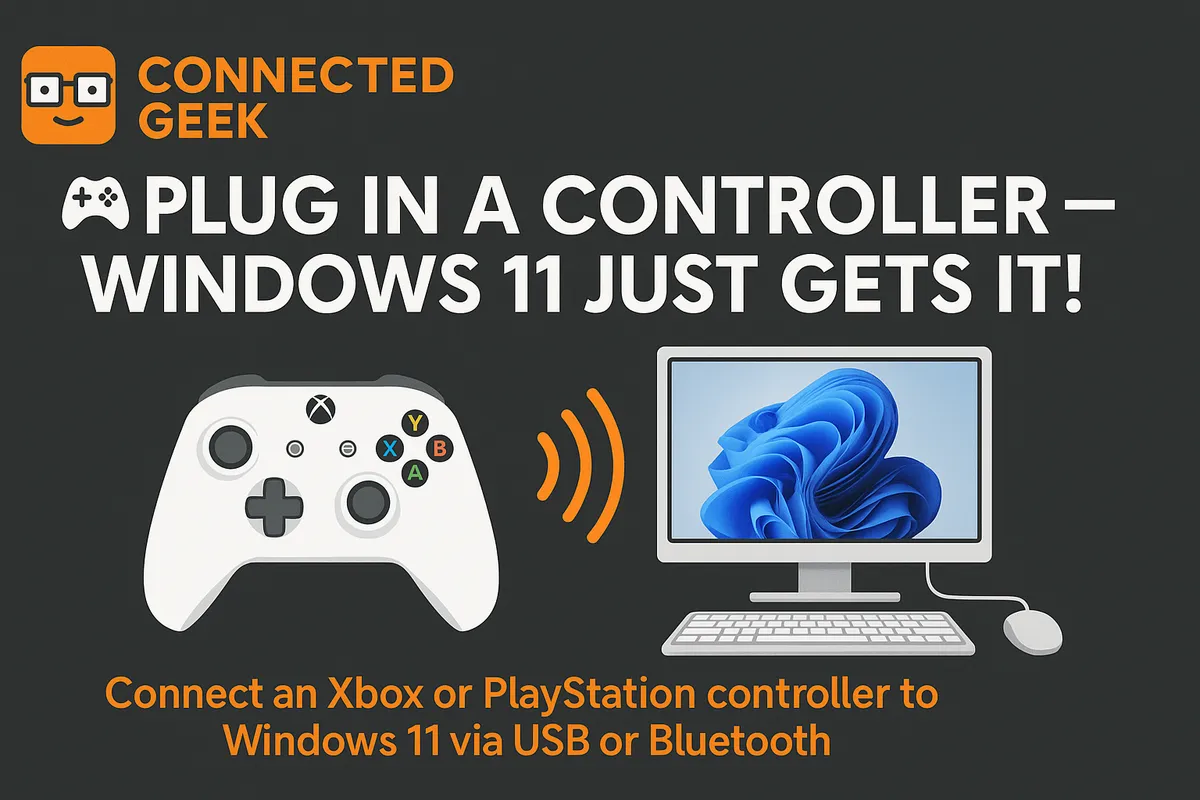
Controller Support in Windows 11: Xbox, PlayStation and More
Published on: 18/05/2026
Windows 11 handles controllers automatically — plug in an Xbox or PlayStation controller and it just works, wired or wireless, with zero driver setup required.
Windows 11gaming controllersXboxPlayStationgamepad setupPC gaming
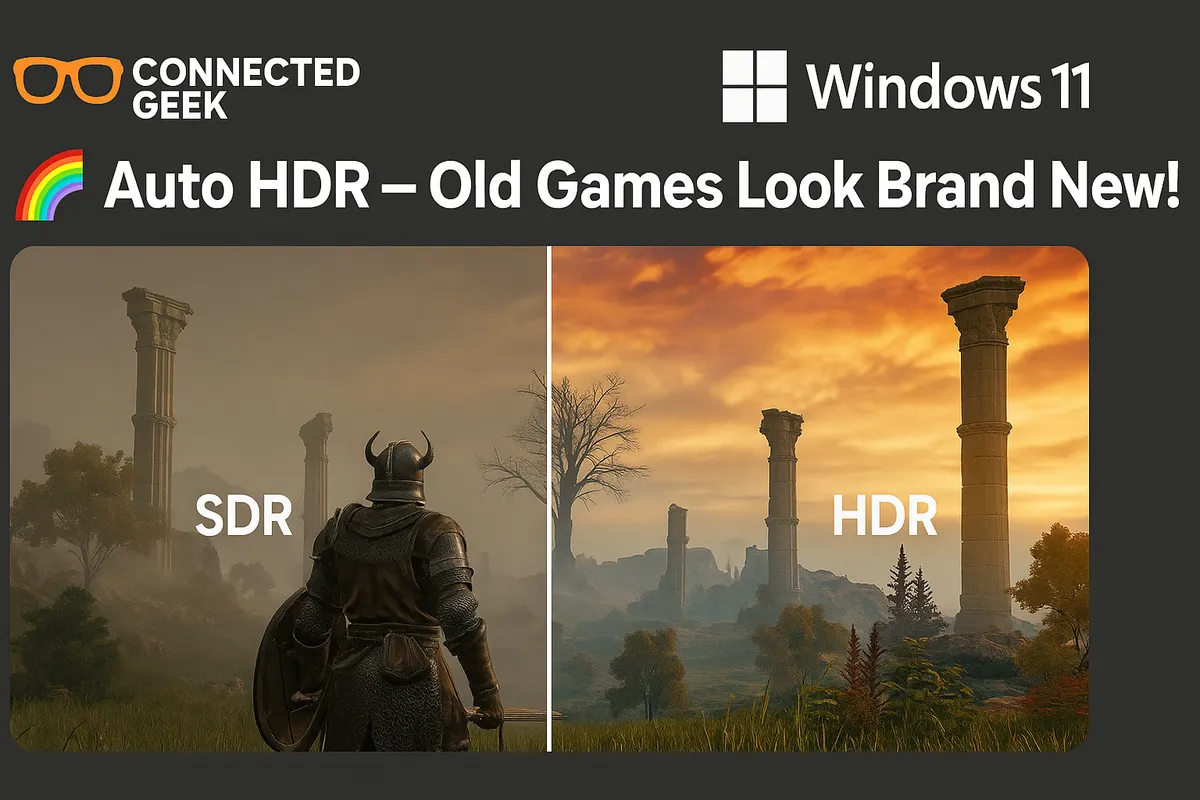
Windows 11 Auto HDR: Better Graphics on Old Games for Free
Published on: 18/05/2026
Auto HDR in Windows 11 uses AI to add High Dynamic Range to DirectX 11 and 12 games — brighter highlights, deeper shadows, more vibrant colours for free.
Windows 11Auto HDRPC gamingHDR gaminggaming visualsWindows gaming